

💻 1) Dell XPS 15 / XPS 17 — Deep Technical Overview
📌 Technical Specifications
-
Processors: Intel Core H-series (powerful high-performance chips).
-
RAM: Up to 64 GB DDR5 (depending on model).
-
Storage: SSD PCIe NVMe (configurable up to several TB).
-
Graphics: Options with discrete GPUs (e.g., NVIDIA dedicated cards) in some configurations and integrated graphics on others.
-
Display: 15.6″ or 17″ panels with FHD+ up to UHD / OLED options (excellent color support).
-
Operating System: Windows 11.
🧠 Performance
-
Strong performance for professional workloads, creative editing, programming, multitasking, and moderate gaming thanks to high-end processors and optional GPUs.
-
Cooling and thermal performance can vary under heavy loads (some XPS units may throttle if thermals are stressed).
🔋 Battery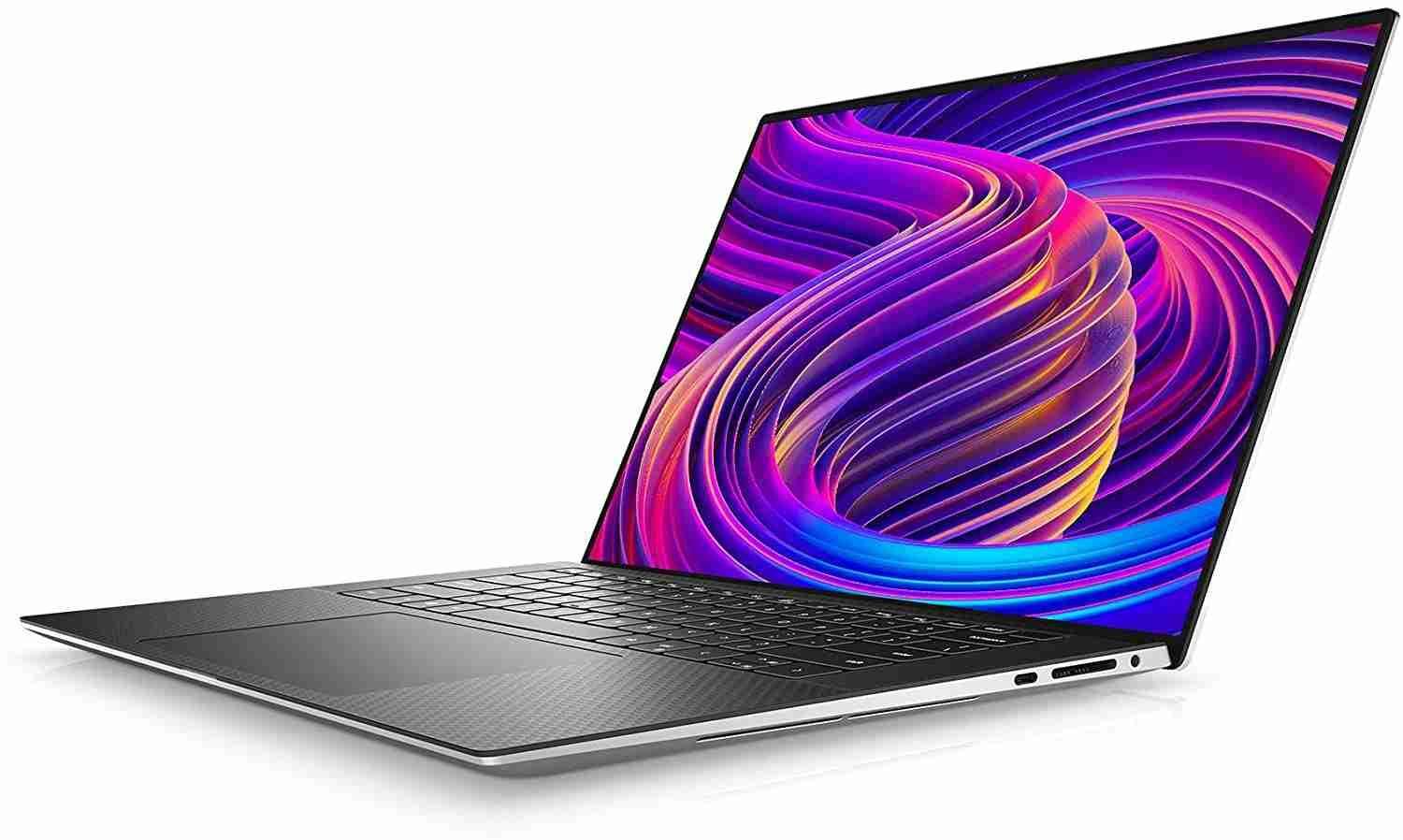
-
Battery life typically ranges from decent to moderate, depending on screen type and settings (OLED panels tend to use more power).
🖥️ Display Quality
-
Very good displays with optional high-resolution and wide color gamut panels.
🔉 Audio
-
Good built-in speaker performance relative to many Windows laptops.
📷 Camera & Microphone
-
Decent webcam and microphone setup suitable for video conferencing but not class-leading.
⌨️ Keyboard and Trackpad
-
Comfortable keyboard and large precision touchpad.
❄️ Thermals
-
Active cooling fans; performance can dip if heat builds under heavy workloads.
🔌 Ports and Connectivity
-
Multiple Thunderbolt/USB-C ports, headphone jack, sometimes HDMI and SD card on certain models.
🔐 Security & Warranty
-
Standard business-class security features (TPM, etc.), and optional professional support plans.
📉 Weaknesses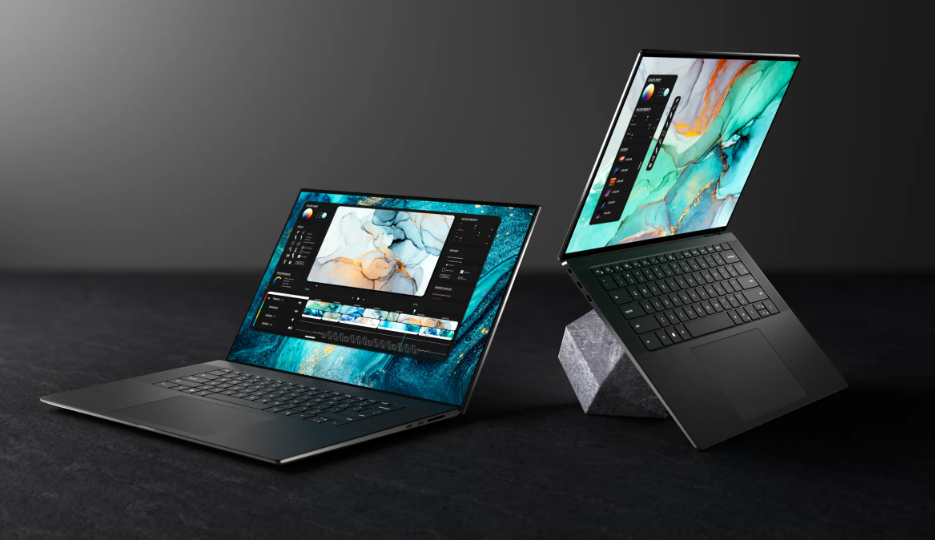
-
Battery life is generally inferior to Apple laptops.
-
Thermals can be a concern under long heavy loads.
-
Build quality and reliability opinions vary among users.
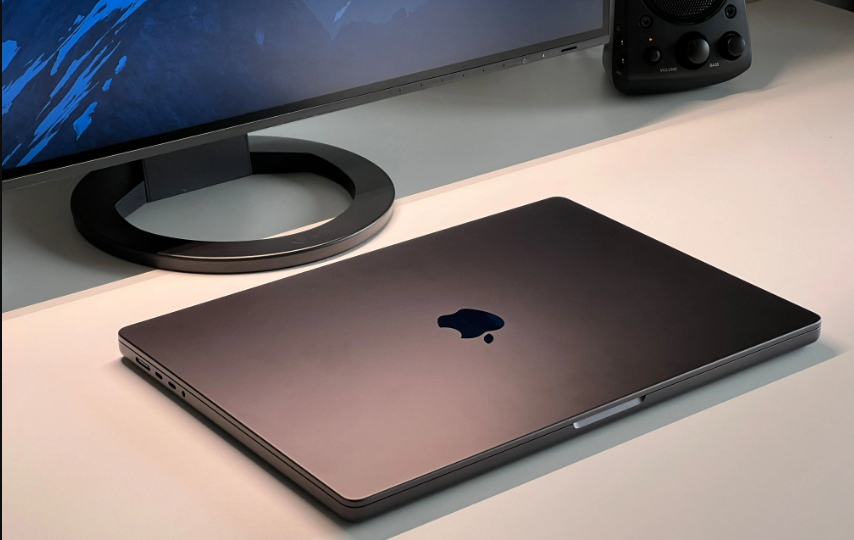
🍏 2) Apple MacBook Pro 14 / 16 (M2 Pro / M3 Pro) — Deep Technical Overview
📌 Technical Specifications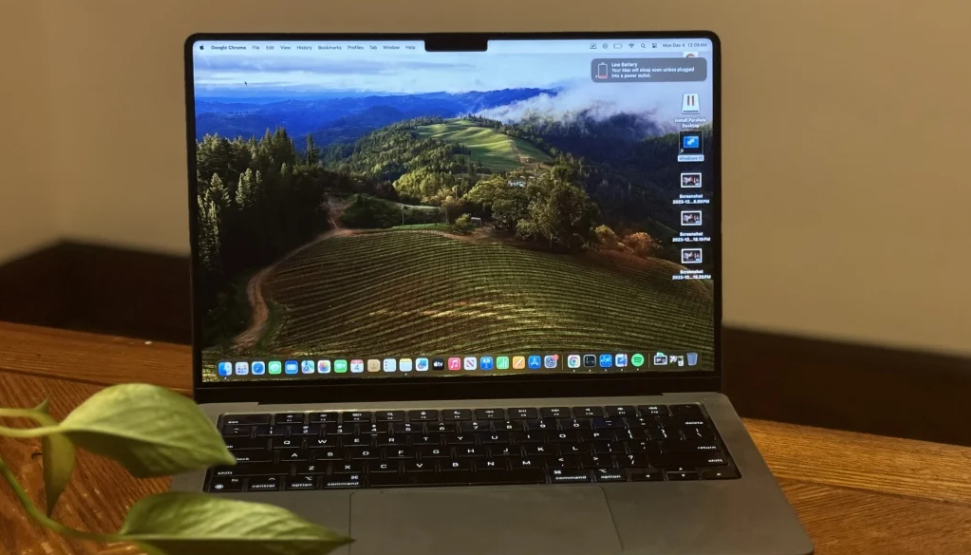
-
Apple Silicon: M2 Pro and M3 Pro chips with multiple CPU and GPU cores.
-
Unified Memory: Efficient unified memory for strong performance in creative and multitasking workloads.
-
Storage: Configurable SSD options up to 8 TB.
-
Displays: Liquid Retina XDR displays with high brightness and wide color, 120 Hz refresh.
-
Operating System: macOS.
🧠 Performance
-
Exceptional performance in CPU tasks, creative workflows, video editing, and optimized applications thanks to Apple Silicon architecture.
-
Industry-leading power efficiency with minimal thermal throttling.
🔋 Battery
-
Among the best battery life you can find in professional laptops (often double or significantly higher than many Windows competitors).
🖥️ Display Quality
-
Excellent display quality with vibrant colors, high brightness, and precise color accuracy.
🔉 Audio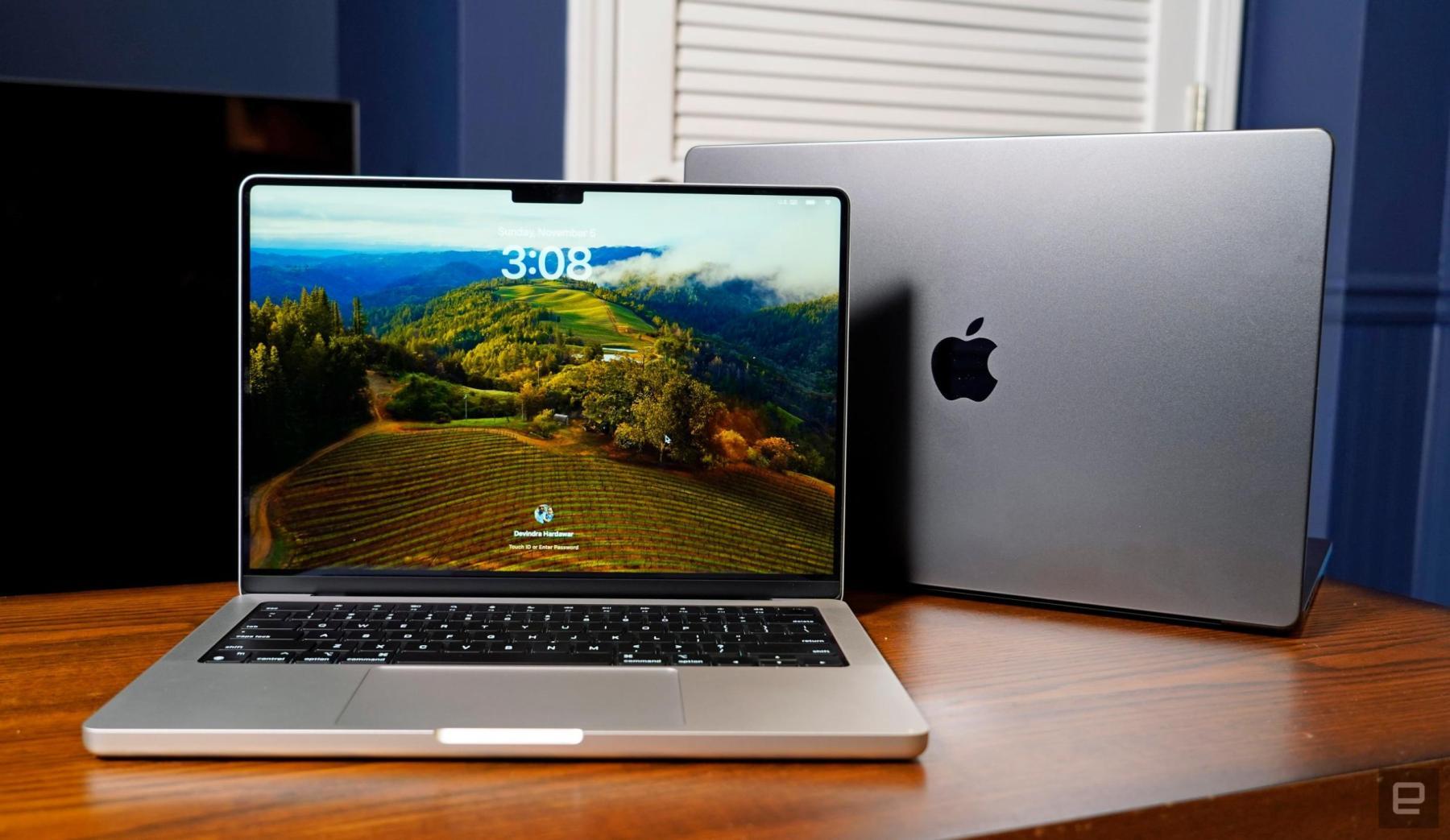
-
High-quality built-in speakers with strong sound output compared to most Windows laptops.
📷 Camera & Microphone
-
Typically strong 1080p or higher webcam and high-quality microphones ideal for video conferencing and content creation.
⌨️ Keyboard & Trackpad
-
Comfortable keyboard and large, responsive trackpad with Force Touch.
❄️ Thermals
-
Efficient cooling and sustained performance without loud fans in many use cases thanks to the efficient Apple architecture.
🔌 Ports & Connectivity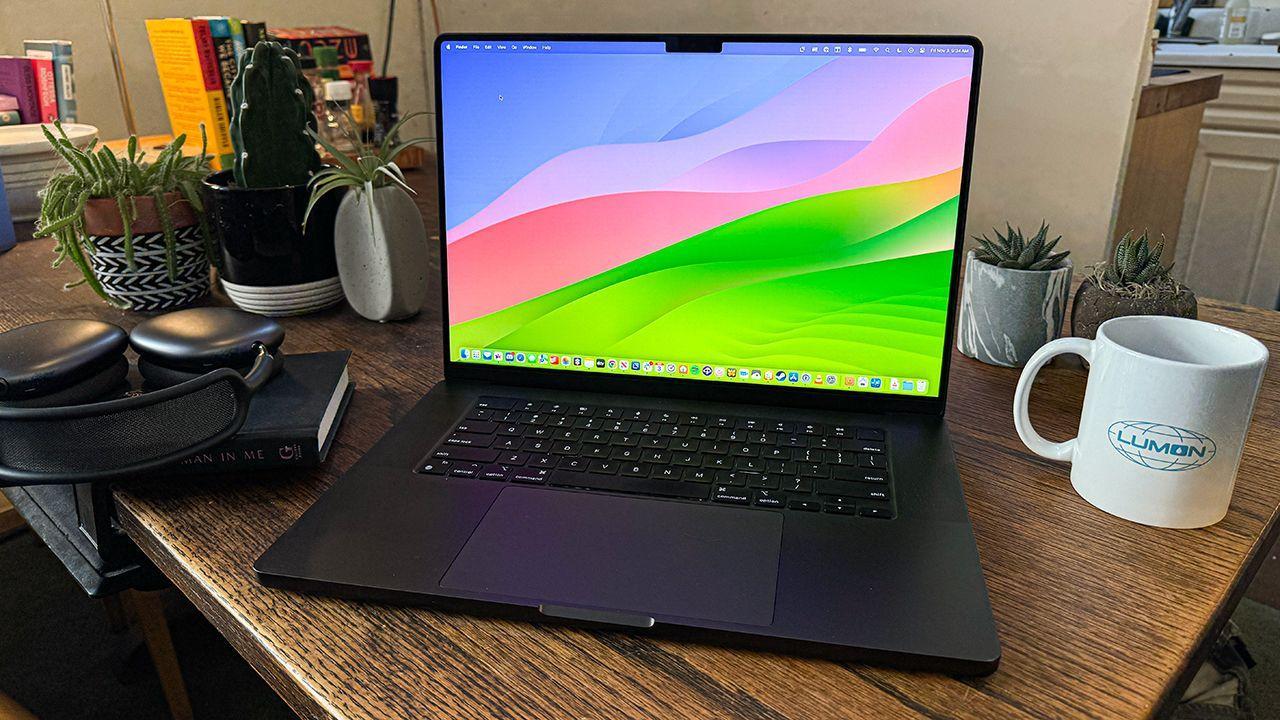
-
Thunderbolt / USB-C, HDMI, SDXC card slot, headphone jack.
🔐 Security & Warranty
-
Strong integrated security with Apple’s Secure Enclave and ongoing software updates.
📉 Weaknesses
-
Generally higher price than many Windows equivalents.
-
macOS may not support some Windows-only applications natively.
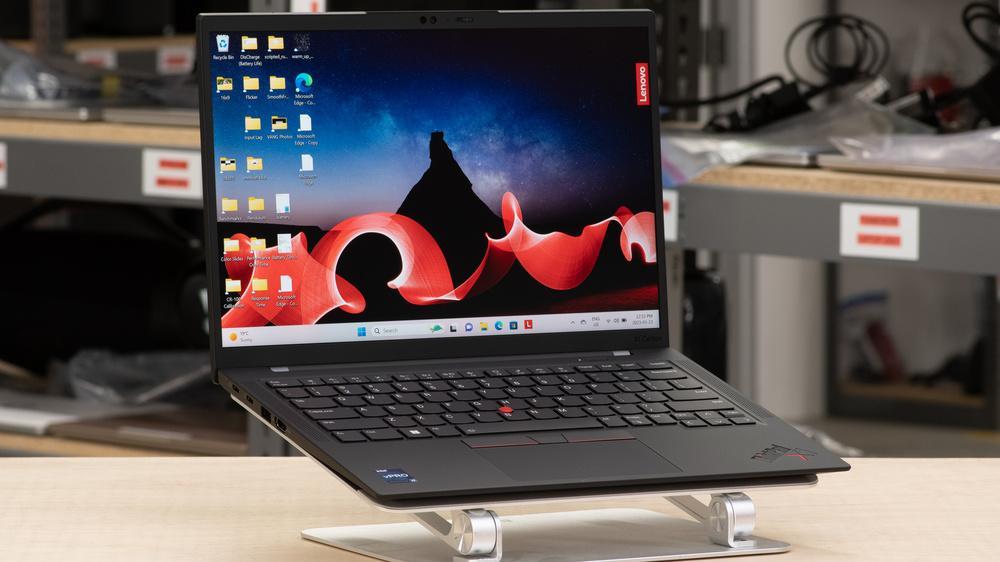
💼 3) Lenovo ThinkPad X1 Carbon — Deep Technical Overview
📌 Technical Specifications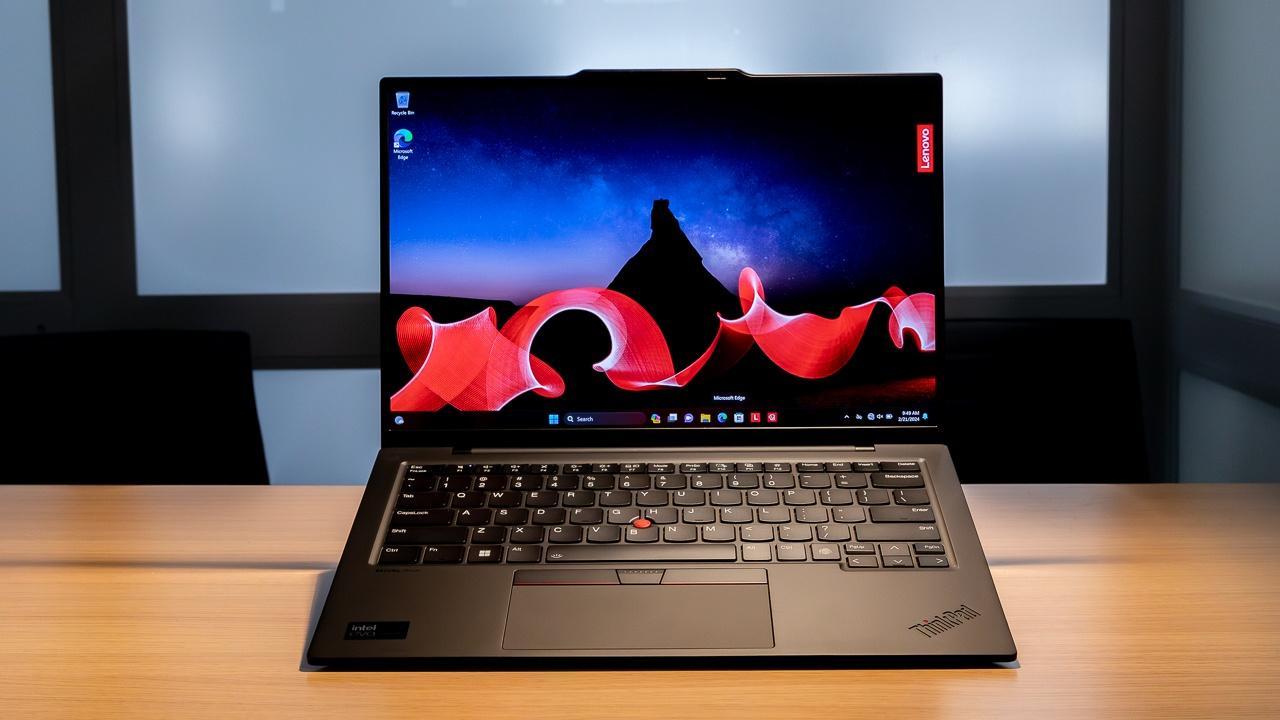
-
Uses Intel Core Ultra (and other Intel CPU families depending on generation).
-
RAM: Up to high-capacity LPDDR5x depending on generation.
-
Storage: PCIe SSD options.
-
Displays: 14″ panels available in IPS or OLED with high resolution.
-
Operating System: Windows 11.
🧠 Performance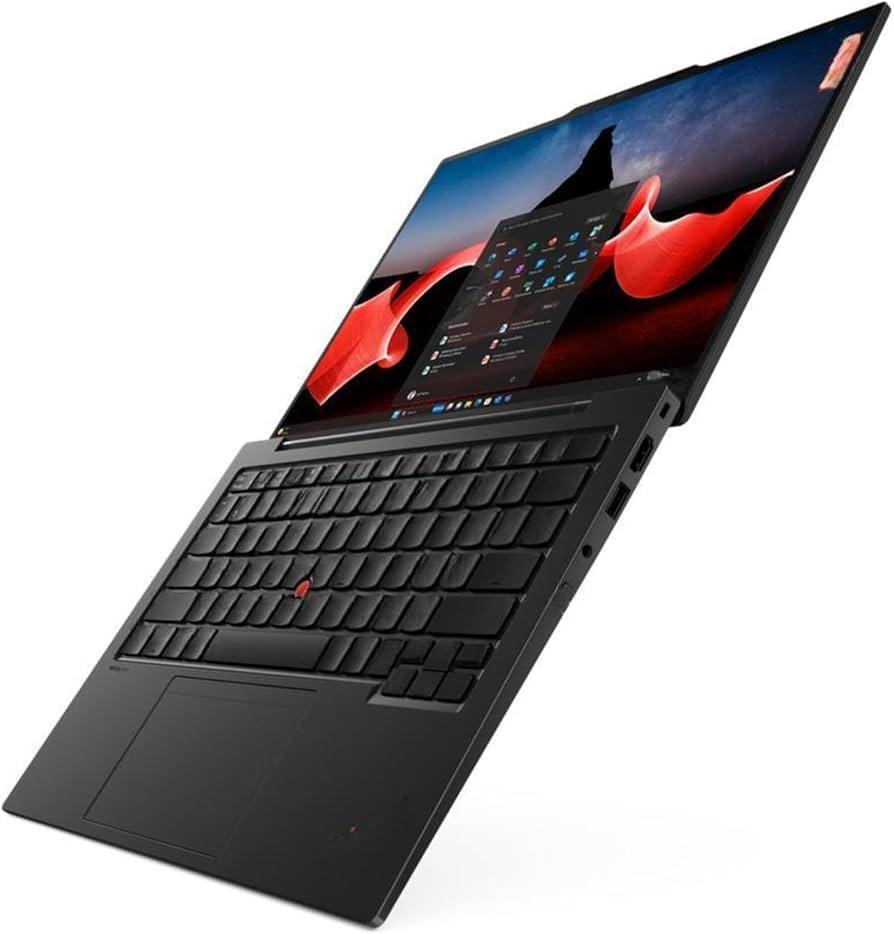
-
Strong efficiency, great for business, coding, browsing, office tasks, and light creative work.
-
Not designed for heavy gaming or highly demanding GPU applications.
🔋 Battery
-
Typically long battery life for Windows laptops (often exceeding many competitors in productivity tests).
🖥️ Display Quality
-
Good display options including vibrant OLED variants and high-refresh panels.
🔉 Audio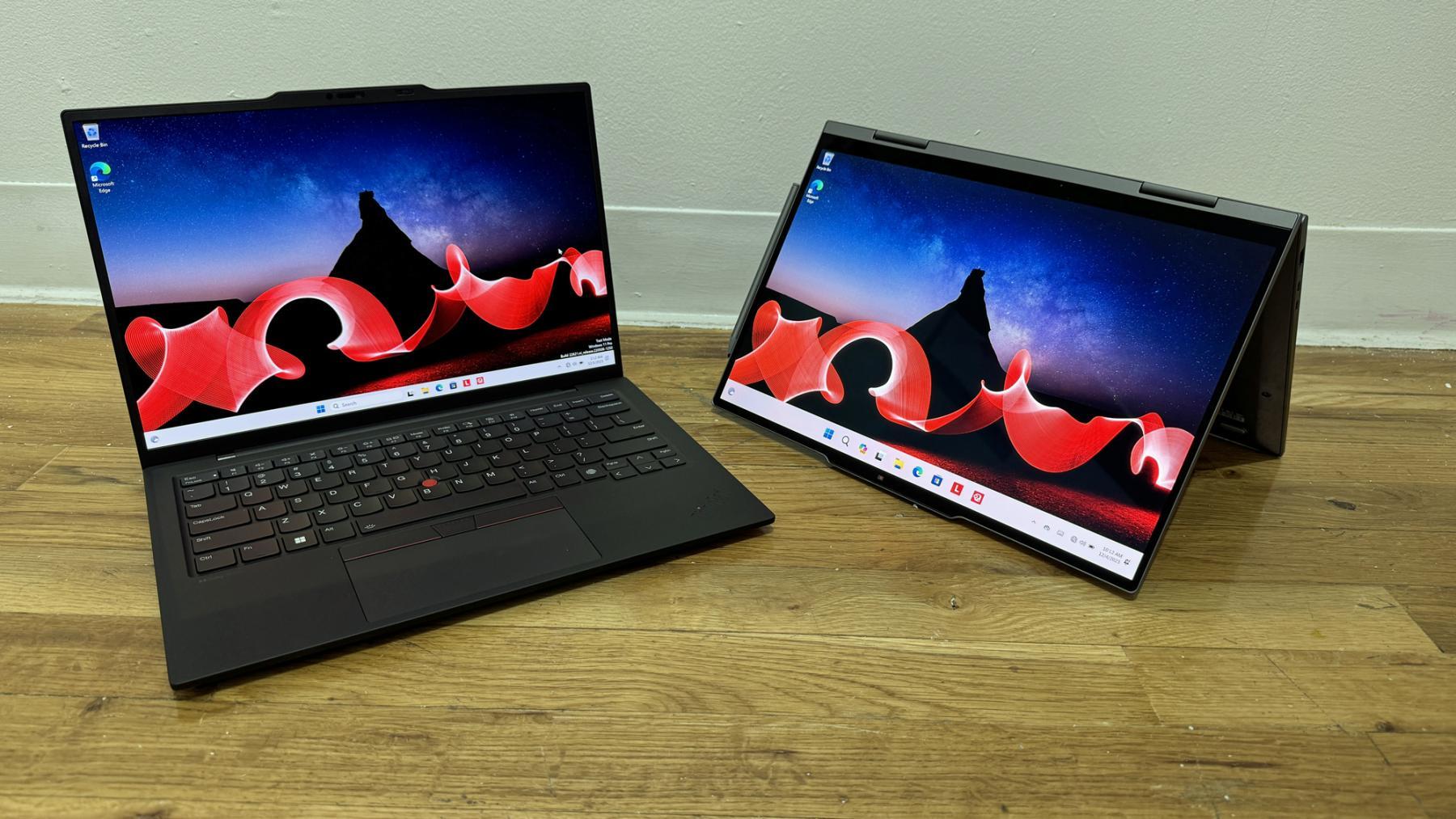
-
Decent speaker quality for business use.
📷 Camera & Microphone
-
Suitable for video calls; not class-leading compared to MacBook webcam performance.
⌨️ Keyboard & Trackpad
-
Excellent keyboard (a hallmark of ThinkPad design).
-
TrackPoint pointing stick plus traditional trackpad appeal to business users.
❄️ Thermals
-
Good for its class; efficient for business workloads.
🔌 Ports & Connectivity
-
Includes Thunderbolt, USB-A, HDMI, and headphone jack depending on model.
🔐 Security & Warranty
-
Focus on business-level security features and reliability.
📉 Weaknesses
-
Less capable graphics performance compared to dedicated GPU laptops.
-
Webcam and audio are solid but not cutting-edge.