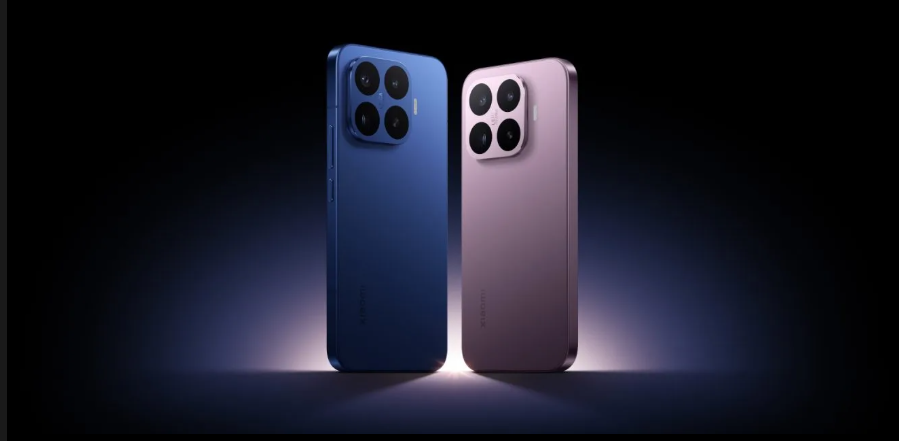


📊 Detailed Comparison — Dell XPS 15 (9530) vs Lenovo ThinkPad X1 Extreme Gen 6 vs ASUS ROG Zephyrus G16
1) Technical Specifications
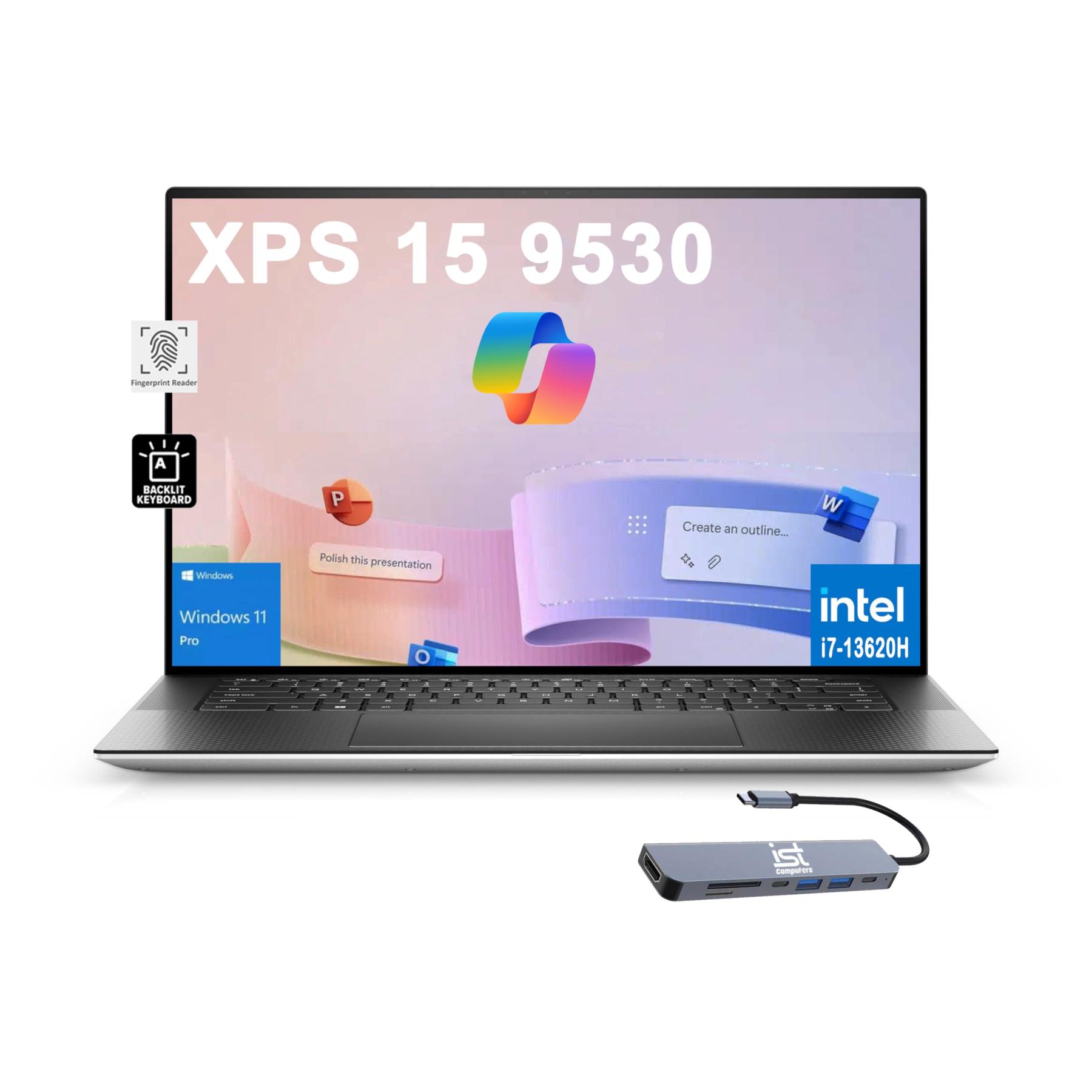
💻 Dell XPS 15 (9530)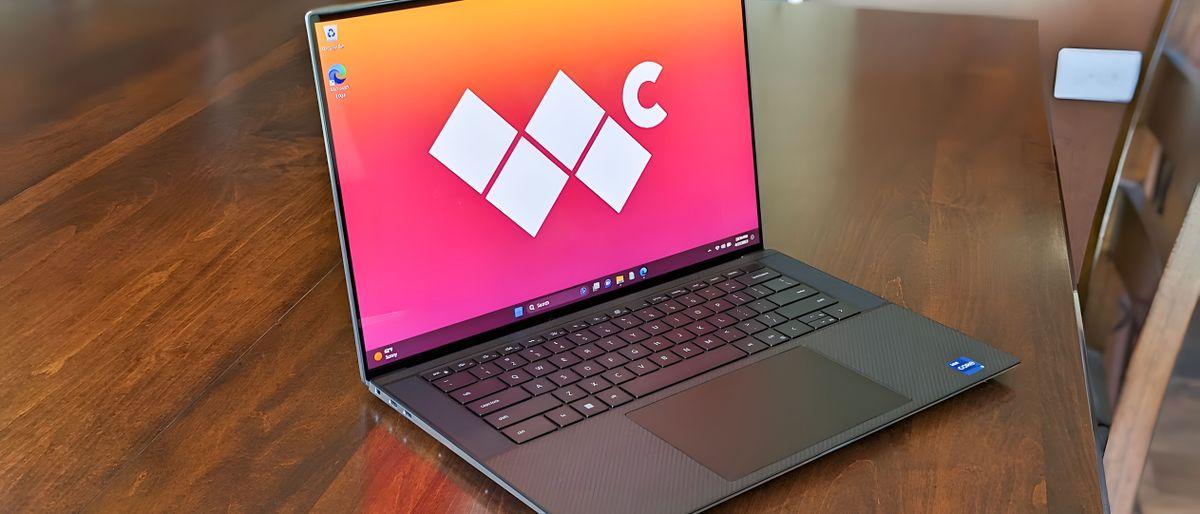
-
CPU: Intel Core i7-13700H or i9-13900H — solid performance for daily use, creative apps, video editing.
-
GPU: NVIDIA GeForce RTX 4050 / 4060 / 4070 (dedicated).
-
RAM: Up to 64 GB DDR5 — great for heavy multitasking.
-
Storage: Up to 2 TB PCIe Gen 4 SSD — fast load & transfer speeds.
-
Front Camera: 720p HD — average quality and needs good lighting.
-
Display: 15.6″ OLED 3.5K (3456×2160) — excellent colors & brightness.
-
Battery: Around 9–11 hours in general use.
-
OS: Windows 11.
-
Security: TPM 2.0, Windows Hello support.
-
Ports: Multiple USB-C / Thunderbolt ports.
-
💡 Overall: Premium productivity machine with a stunning display.
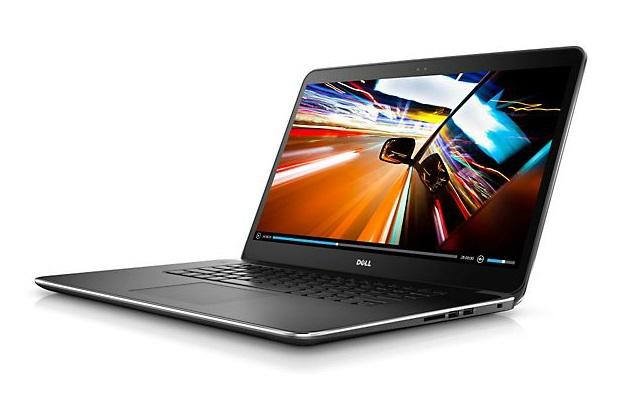
💻 Lenovo ThinkPad X1 Extreme Gen 6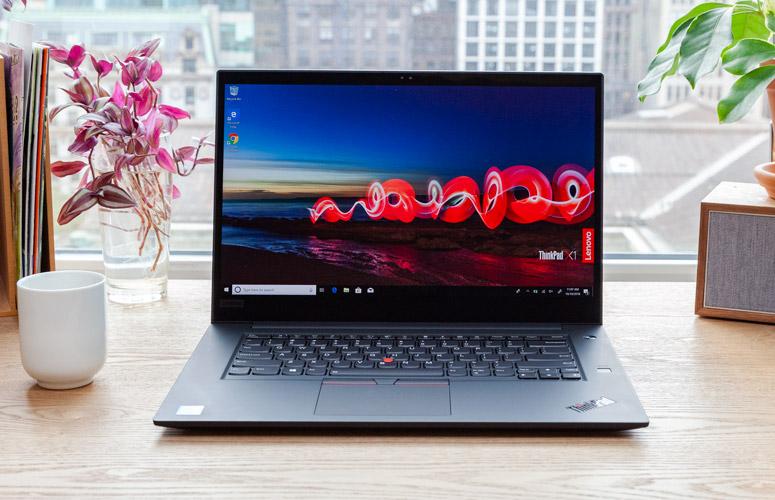
Note: Full official detailed specs aren’t widely published yet — this summary is based on expected and typical Gen 6 improvements from the previous generation.
-
CPU: Intel Core i7 / i9 (latest H-series, high performance).
-
GPU: NVIDIA RTX Series options — strong for creative & heavy workloads.
-
RAM: Up to 64 GB DDR5 — excellent for multitasking & professional software.
-
Storage: Up to 2 TB PCIe Gen 5 SSD — extremely fast.
-
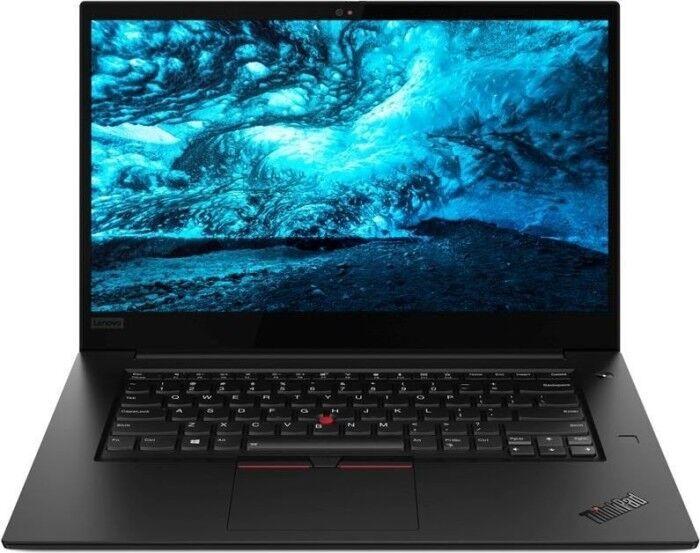
Front Camera: 1080p Full HD + IR — great for video calls.
-
Display: Likely 16″ or 15.6″ OLED/IPS options, possibly up to 165 Hz.
-
Battery: Expected to be strong with Rapid Charge tech.
-
OS: Windows 11 Pro.
-
Security: ThinkShield, TPM 2.0, IR face unlock.
-
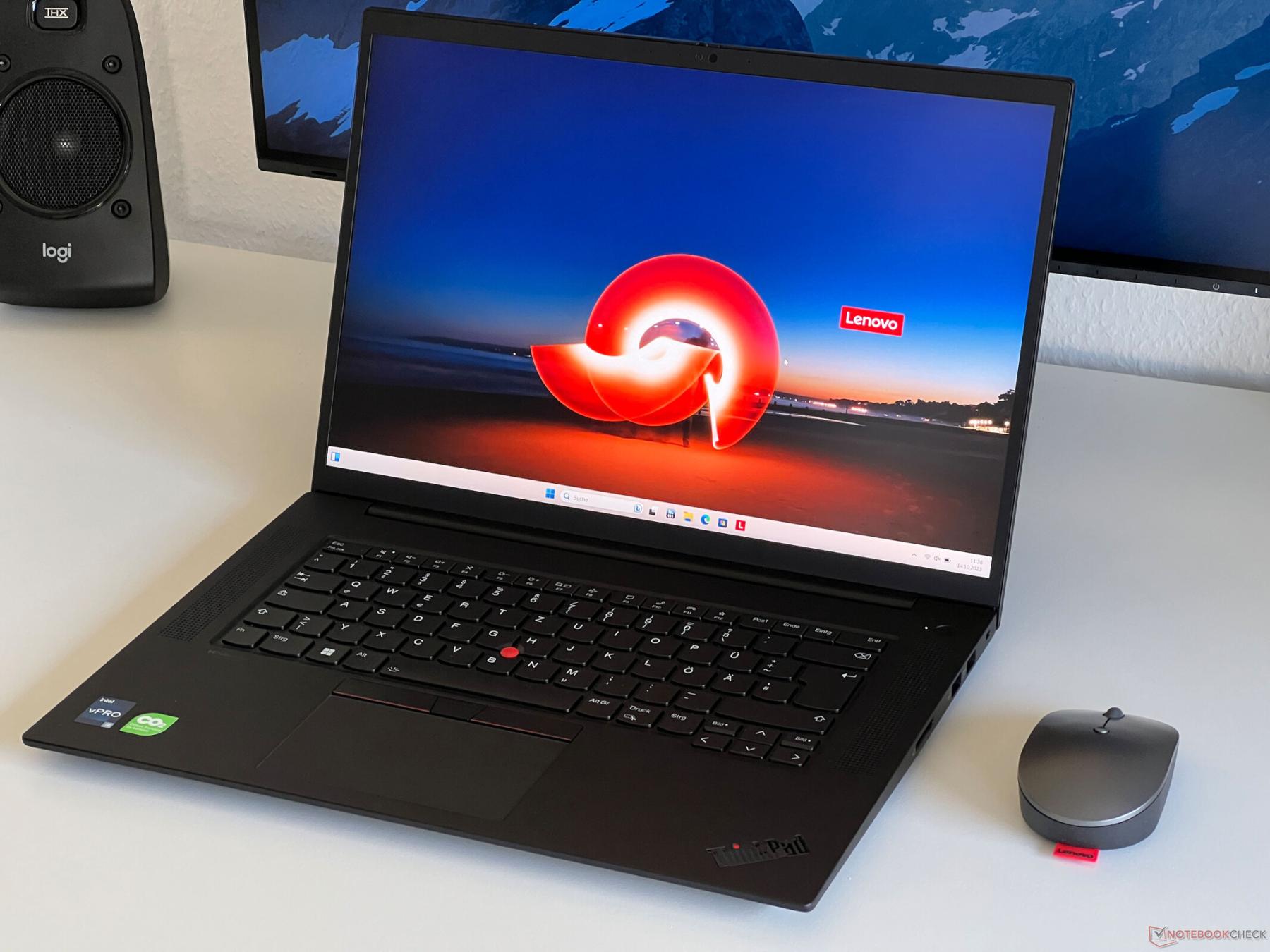
💡 Overall: Professional workstation class — ideal for heavy business, programming, and creative workflows.
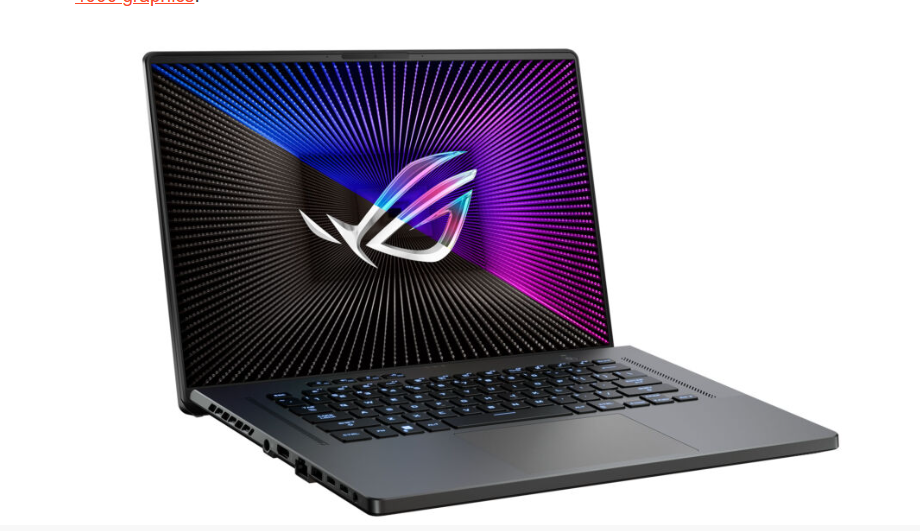
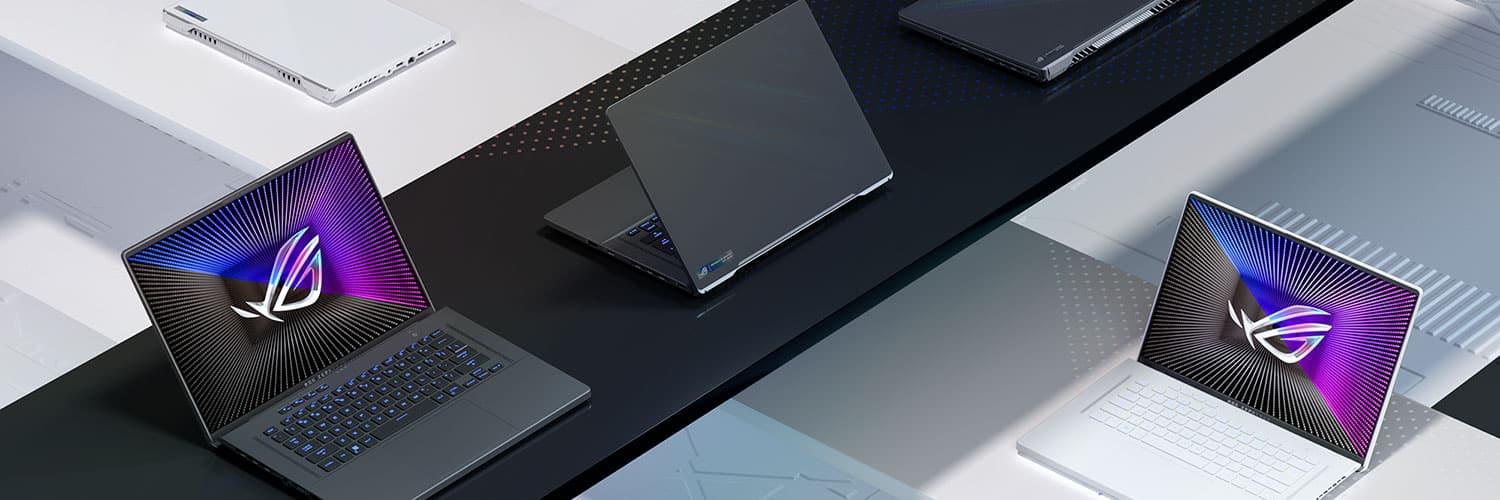
💻 ASUS ROG Zephyrus G16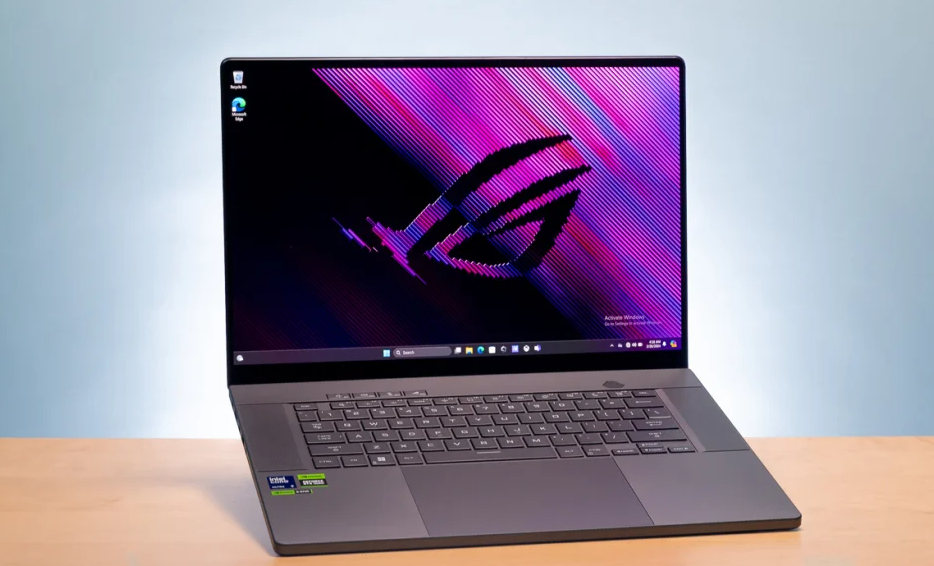
-
CPU: Intel Core i7-13620H or newer AMD Ryzen AI 9 HX 370 options — great performance headroom.
-
GPU: NVIDIA RTX 4060 / 4070 / even higher GPU options available.
-
RAM: 16 GB / 32 GB LPDDR5X — very fast but typically not upgradeable.
-
Storage: 512 GB / 1 TB PCIe Gen 4 SSD — usually upgradeable.
-
Front Camera: 1080p Full HD + IR — strong for meetings & content creation.
-
Display: 16″ OLED (2560×1600) up to 240 Hz — excellent for gaming & creative visuals.
-
Battery: Around 7–9 hours (varies with workload).
-
OS: Windows 11.
-
Security: TPM + Windows Hello IR.
-
💡 Overall: Powerful gaming-focused machine with excellent screen & graphics.
2) Real-World Performance
| Usage Scenario | Best Pick |
|---|---|
| Office / everyday work | XPS 15 / ThinkPad X1 Extreme |
| Heavy content creation | ThinkPad X1 Extreme / XPS 15 |
| Gaming | ASUS ROG Zephyrus G16 |
| GPU-intensive tasks | ASUS ROG Zephyrus G16 |
| Balanced daily + creative | XPS 15 |
✔ Zephyrus G16 is stronger in raw GPU and gaming performance than XPS 15.
✔ XPS 15 has a better screen for design and color-accurate work.
✔ ThinkPad is ideal for professionals needing reliability & enterprise features.
3) Front Camera Quality (No Rear Camera)
| Laptop | Front Webcam |
|---|---|
| Dell XPS 15 | 720p — average quality. |
| ThinkPad X1 Extreme | 1080p + IR — very good. |
| ASUS ROG Zephyrus G16 | 1080p + IR — very good. |
👉 There is no rear camera in laptops.
👉 Best for video calls: ThinkPad X1 Extreme and Zephyrus G16.
4) RAM (Memory)
| Laptop | Max RAM | Upgradeable |
|---|---|---|
| Dell XPS 15 | Up to 64 GB DDR5 | ✔ Yes |
| ThinkPad X1 Extreme | Up to 64 GB DDR5 | ✔ Yes |
| ASUS ROG Zephyrus G16 | 16–32 GB LPDDR5X | ❌ Not upgradeable |
✔ Best for future upgrades: XPS 15 and ThinkPad.
✔ Zephyrus RAM is faster but fixed.
5) Battery & Storage
Battery
-
XPS 15: ~9–11 hours normal use.
-
X1 Extreme: Good battery life but drops under heavy load.
-
Zephyrus G16: ~7–9 hours outside gaming.
Storage
-
XPS 15: Up to 2 TB SSD (fast).
-
X1 Extreme: Up to 2 TB SSD (PCIe Gen 5 super-fast).
-
Zephyrus G16: Typically 512 GB–1 TB SSD.
6) Display & Screen
| Laptop | Screen Type | Refresh Rate | Best Use |
|---|---|---|---|
| Dell XPS 15 | 15.6″ OLED 3.5K | 60 Hz | Content creation & design. |
| ThinkPad X1 Extreme | 15.6″–16″ OLED/IPS | Up to ~165 Hz | Work + some gaming. |
| ASUS ROG Zephyrus G16 | 16″ OLED 2.5K | Up to 240 Hz | Gaming & multimedia. |
✔ Zephyrus best for gaming refresh rate.
✔ XPS 15 best for color accuracy.
7) Smart Features & Security
Dell XPS 15
✔ Great OLED screen
✔ Good port selection
⚠ Webcam only 720p.
ThinkPad X1 Extreme
✔ Enterprise security (ThinkShield + IR)
✔ Excellent keyboard + reliability.
ASUS ROG Zephyrus G16
✔ Wi-Fi 7 compatible
✔ Dolby Atmos & gaming features
✔ Strong webcam + IR.
8) Common Weaknesses
Dell XPS 15
❌ Weak webcam
❌ Can run hot under heavy load
❌ Pricier segment.
ThinkPad X1 Extreme
❌ Heavier + expensive
❌ Battery drops with heavy GPU tasks.
ASUS ROG Zephyrus G16
❌ RAM not upgradeable
❌ Battery shorter under gaming.
9) Approximate Prices (Egypt & Arab Region)
💰 Egypt 🇪🇬
-
Dell XPS 15 (9530): ~150,000–230,000 EGP (varies with spec).
-
ASUS ROG Zephyrus G16: ~100,000–160,000 EGP (varies).
-
Lenovo ThinkPad X1 Extreme Gen 6: Often above ~230,000 EGP (harder to find & more expensive).
💰 Gulf (KSA/UAE)
-
XPS 15: ~20,000–30,000 SAR/AED.
-
Zephyrus G16: ~18,000–28,000 SAR/AED.
-
ThinkPad X1 Extreme: generally higher, depending on configuration.
📌 Summary & Recommendation
Best for Business & Enterprise:
👉 Lenovo ThinkPad X1 Extreme Gen 6
Best Balanced Laptop (Design + Work + Creative):
👉 Dell XPS 15 (9530)
Best for Gaming & Graphics Performance:
👉 ASUS ROG Zephyrus G16